

Automating accounts receivable (AR) reconciliation can save your business time and money. This process ensures your financial records align across systems like EMR, POS, loyalty platforms, patient financing tools, and bank deposits. Manual reconciliation is prone to errors, costing clinics thousands in lost revenue and hours of staff time. Automation reduces errors, shortens collection periods, and recovers missed revenue.
Key steps to automate AR reconciliation include:
- Assessing your current process to identify inefficiencies.
- Standardizing data and setting up matching rules for accuracy.
- Integrating systems like QuickBooks, Stripe, and loyalty programs.
- Using tools like Prospyr to automate matching, alerts, and cash application.
- Monitoring performance with metrics like Days Sales Outstanding (DSO) and auto-matching rates.

How to Automate AR Reconciliation: 4-Step Process Guide
Step 1: Assess Your Current AR Reconciliation Process
Start by taking a hard look at your current accounts receivable (AR) reconciliation process to pinpoint inefficiencies and areas for improvement using features to help grow your aesthetic practice.
Define the Scope of AR Reconciliation for Aesthetic Clinics
For aesthetic clinics, AR reconciliation goes beyond basic tracking of invoices and payments. It includes managing patient invoices, memberships, prepayments, service deposits, gift cards, and loyalty redemptions from platforms like Allē (Allergan) and Aspire (Galderma).
The ultimate goal? Ensuring that five critical systems align for every patient visit: your EMR/booking system, POS or payment processor, loyalty program, patient financing platform (e.g., Cherry or CareCredit), and bank deposits. When these systems are in sync, every dollar is accurately reflected in your general ledger.
Document Each Manual Step in Your Current Process
Start by documenting each step your team takes to reconcile AR at the end of the month. A typical manual process might include downloading aging reports, cross-checking them with QuickBooks, resolving discrepancies, and filing records. Creating a process map can help you visualize how data flows and where manual interventions occur. This step is crucial for identifying where automation could replace repetitive tasks like data transfers and adjustments.
Find Pain Points and Automation Opportunities
Once the process is mapped, categorize each step as manual, semi-manual, or automated. Tasks that involve CSV uploads or manual data formatting are prime candidates for automation. For semi-manual tasks, such as addressing flagged discrepancies, consider partial automation with alerts or exception queues.
Timing gaps can also complicate reconciliations. For example, bank deposits often take 3–5 days to clear after a patient visit, making real-time matching tricky. Additionally, missing reimbursements from loyalty platforms like Allē or Aspire can quietly drain $1,200–$2,400 from your practice each month. If your process heavily depends on one staff member's expertise, that’s another potential risk to flag.
Here’s an example of how poor documentation can hurt: In May 2026, GATP Solutions audited a multi-entity medical group with $800,000–$980,000 in monthly AR. They discovered invoices billed in the portal but missing from QuickBooks, along with voided invoices still showing as open AR. By standardizing data formats and switching to a weekly reconciliation schedule, the group started delivering clean financials by the 10th of each month.
"AR management is where revenue is won or quietly lost - and the difference is almost always process, not effort." - Marcus D. Holloway, Senior RCM Strategist, Qualigenix Healthcare
sbb-itb-02f5876
Step 2: Build a Framework for AR Reconciliation Automation
With your pain points identified, the next step is to create a framework that ensures automation delivers accurate and reliable results. Without a solid foundation, even the most advanced tools can struggle to provide consistency.
Define Data Sources and Establish a System of Record
Aesthetic clinics pull financial data from a variety of systems. These include your practice management system (which tracks visits and billing), payment processors (for gross collections and fees), loyalty programs like Allē and Aspire, patient financing platforms such as CareCredit and Cherry, and bank feeds. All of these need to funnel into a single location. Typically, your accounting system - like QuickBooks or Sage - acts as the final system of record where everything must reconcile.
To avoid confusion, designate one source of truth instead of juggling multiple versions of data. API-based connections between systems are far more dependable than manually exporting CSV files, which often introduce formatting errors and delays.
| Data Source | Key Examples | Role in Reconciliation |
|---|---|---|
| Practice Management | PatientNow, Boulevard | Tracks visits and billed amounts |
| Payment Processing | Stripe, Square | Records gross collections and processing fees |
| Loyalty Programs | Allē, Aspire, Merz | Matches manufacturer reimbursements |
| Patient Financing | CareCredit, Cherry | Links funded amounts to patient accounts |
| Accounting/ERP | QuickBooks, Sage | Serves as the final financial record |
| Banking | Bank feeds, EFT deposits | Confirms cash deposits in the account |
Once you've identified and connected your data sources, the next step is standardizing the incoming information to ensure accurate matches.
Standardize Data and Establish Matching Rules
After connecting your data sources, the focus shifts to ensuring consistency in data formats. This means normalizing dates, removing unnecessary spaces, and formatting dollar amounts uniformly across all systems. Assigning a unique identifier to every invoice can help prevent matching errors caused by small formatting discrepancies. Clean, consistent data is essential for making automation work effectively in accounts receivable (AR) reconciliation.
"A consistent, standardized format is the foundation of any reliable healthcare accounts receivable reconciliation. The AI layer amplifies speed and accuracy only once the data structure is clean and uniform." - GATP Solutions
Next, configure matching rules. Use exact matches on claim numbers, patient names, and dates of service for straightforward transactions. For minor discrepancies, such as rounding differences, allow a 1–2% variance threshold so the system can auto-close near-matches without flagging every minor issue. For transactions specific to aesthetic practices, like Allē or Aspire redemptions, set up offset rules to account for the typical 5–9 day processing lag, which can otherwise appear as a discrepancy.
Determine Reconciliation Frequency and Reporting Periods
With standardized data and matching rules in place, the final step is setting a reconciliation schedule that aligns with your practice's workflow. High-volume practices managing $800,000 or more in monthly AR can't afford to wait until month-end to identify errors. By that point, overdue accounts may already start losing collectability. Accounts past 120 days have a collectability rate of less than 30%, compared to over 95% for accounts in the 0–30 day range.
Implement daily automated matching, conduct mid-month reviews, and perform pre-close tie-outs to keep AR data up to date. For practices with multiple entities, reconciling intercompany balances weekly can eliminate the "noise" that disrupts month-end reporting. A clear and consistent schedule minimizes discrepancies and ensures your systems are ready for automation tools. The objective is simple: your team should always know the status of AR, with clean and current data available whenever leadership needs it.
"Your cash forecast is only as reliable as your AR data. Unreconciled invoices and unapplied cash payments can create errors that compound in your variance analysis." - Numeric
Step 3: Set Up Automation Tools and Integrated Workflows
Now that your framework is ready, it's time to bring automation to life by connecting the tools that will streamline your processes. This step ensures your systems work together seamlessly, reducing manual effort and errors.
Connect Practice Management, Payment, and Accounting Systems
The objective here is to create a smooth, automated flow of data - from when a patient schedules an appointment to when their payment is fully processed. To achieve this, integrate your practice management system, payment processors (such as Stripe or Square), loyalty programs (like Allē or Aspire), and accounting software (e.g., QuickBooks or Xero) using API-based connections. Clearing accounts can help manage sales postings until payments are finalized. Keep manual journal entries to a minimum to avoid recurring reconciliation headaches.
"Automation without governance simply accelerates bad posting behavior." - SysGenPro
Once your systems are connected, you can use specialized tools to handle reconciliation tasks automatically.
Use Prospyr to Automate AR Reconciliation
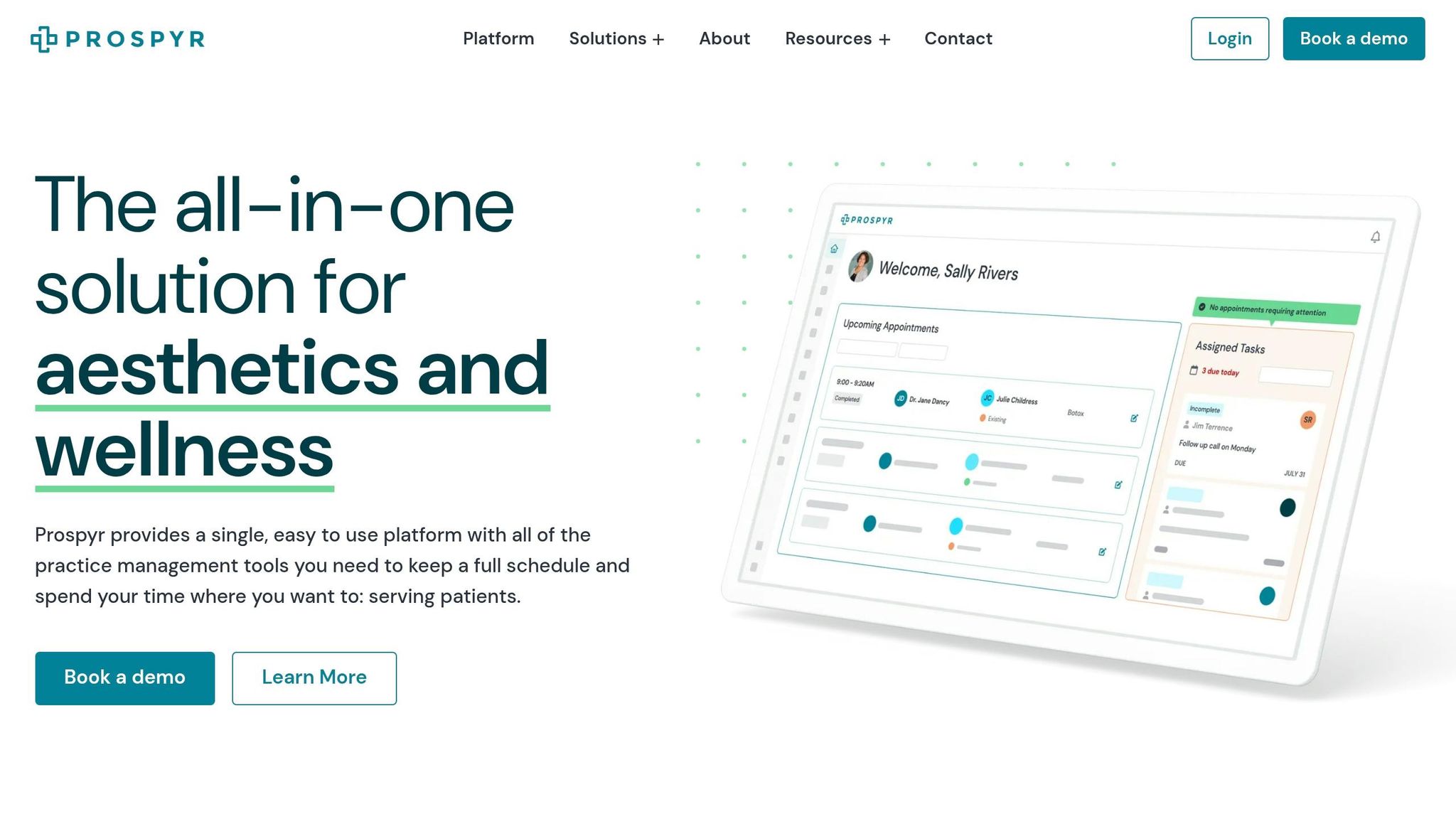
Prospyr builds on your connected systems by automating accounts receivable (AR) reconciliation. By integrating patient data with financial records, Prospyr reduces manual involvement and ensures data flows seamlessly from patient records to your ledger.
The Patient Wallet feature links deposits and credits directly to a patient’s profile. When a service is provided, the credit is automatically applied to the invoice, eliminating common issues like unapplied cash errors. Prospyr also automates the collection of deposits and no-show fees, ensuring these are consistently captured without relying on front-desk staff.
For payment capture, Prospyr supports various methods:
- Point of Sale (PoS) for in-clinic payments
- Secure payment links sent to patients for outstanding balances
- Split payment options for more complex transactions
All payment types are recorded in one system, simplifying the reconciliation process. Additionally, Prospyr tracks memberships and packages, automatically logging deferred revenue and usage - a key requirement for ASC 606 compliance.
Automate Matching, Alerts, and Exception Handling
Set up layered matching logic to handle transactions efficiently. Use deterministic rules for straightforward matches, such as linking an invoice ID to a payment settlement. For more complex scenarios - like a $500 Botox visit with processing fee adjustments - AI-driven matching tools step in, achieving an impressive 94% auto-match rate. This drastically reduces the time your team spends on manual reviews.
For transactions that don’t match automatically, establish an exceptions queue. This queue can categorize issues like short payments, missing loyalty credits, or unmatched deposits, assigning them to the right team member for resolution.
Additionally, configure time-sensitive alerts to stay proactive. For example, set notifications to flag if an Allē or Aspire reimbursement hasn’t been received within 7–9 days of redemption. These alerts turn reconciliation into a manageable daily task instead of a chaotic monthly chore.
Step 4: Monitor and Improve Your Automated AR Reconciliation Process
Regular monitoring is key to keeping your system on track and improving its performance over time.
Implement Roles, Controls, and Audit Trails
To maintain security and accuracy, assign specific roles and implement controls. For instance, separate payment posting from deposit reconciliation, and use role-based access control (RBAC) to limit access to only what each role requires. This approach minimizes both fraud and accidental errors. For example, a front-desk coordinator might only need access to scheduling and payment links, but not the general ledger.
For manual adjustments like write-offs, refunds, or corrections above a certain amount, apply a maker-checker system. This means a second person must approve changes before they’re finalized. Every action should be logged with an unchangeable timestamp and user ID. These audit trails are essential for HIPAA compliance since AR reconciliation often involves Protected Health Information (PHI). Also, ensure you have Business Associate Agreements (BAAs) with any automation vendors to safeguard compliance.
To maintain transparency, share reconciliation data with key stakeholders like your operator, bookkeeper, and CPA. This ensures everyone works from a single, accurate source of information.
Track Key Metrics and Generate Reports
Once controls are in place, measure your process using key metrics. For example:
- Days Sales Outstanding (DSO): Tracks how quickly you collect revenue. Automated AR systems typically reduce DSO to around 55 days compared to 78 days with manual processes.
- Auto-matching Rate: Measures how much of your reconciliation is automated. Aim for 85–95%.
- Cash Application Accuracy: Indicates whether payments are posted correctly. This should be at least 99%.
- Exception Volume: Monitors transactions needing manual review. This number should decrease over time.
You can also track unclaimed loyalty reimbursements and "ghost" redemptions to ensure no promotional funds are missed. Shift from monthly to weekly tracking of DSO and exceptions. Spotting trends early is far easier than addressing them after the month ends.
| Metric | What It Tells You | Target |
|---|---|---|
| Days Sales Outstanding (DSO) | How fast you're collecting revenue | ~55 days or less |
| Auto-matching Rate | How much reconciliation runs automatically | 85–95% |
| Cash Application Accuracy | Whether payments are posted correctly | 99%+ |
| Exception Volume | How many transactions need manual review | Trending down month over month |
| Month-end Close Time | Speed of your AR close | ~15–20 minutes (exceptions only) |
Refine Your Process Through Regular Reviews
Metrics are just the starting point. Regular reviews help you fine-tune your process. Begin with conservative matching rules, such as requiring exact matches, and gradually expand to handle partial payments and more complex scenarios once accuracy is verified during a pilot phase.
Adopt a twice-monthly review schedule - mid-month and just before closing - to resolve issues proactively. During these reviews, analyze bucket migration, which tracks balances as they move from "current" to 30, 60, or 90+ days past due. If more than 10% of a payer or patient’s balance is over 90 days overdue, flag that account as high-risk. Assign reason codes (e.g., "portal sync error", "pricing mismatch") to every discrepancy. This helps you identify and fix recurring issues rather than addressing them one by one.
"The objective is not simply faster transaction processing. It is a finance operating model where reconciliation becomes continuous, traceable, and scalable." - SysGenPro ERP
Save key reports like aging summaries, unapplied cash details, and credit memo registers in a dedicated folder each month. This makes audits easier and allows for clean year-over-year comparisons without last-minute scrambling. Structured, consistent reviews ensure your process remains efficient and scalable.
Conclusion: Start Automating Your AR Reconciliation Process
Once you've evaluated your current process, established a framework, implemented workflows, and tracked performance, you're ready to embrace automation and leave manual AR reconciliation behind. Manual processes eat up valuable time, introduce errors, and hinder revenue growth. The steps outlined in this guide provide a streamlined system that requires minimal manual effort.
With automation, you can cut your monthly close time from over 3 hours to just 5 minutes a day while achieving a 94% auto-match rate across your EMR, POS, and bank feeds. On top of that, it helps recover an average of $47,600 annually in missed revenue. These improvements free up your team to dedicate more time to patient care instead of getting bogged down in tedious record adjustments.
Using Prospyr takes this a step further. Prospyr automates patient deposits, no-show fees, and payment processing within a HIPAA-compliant system, ensuring your financial records stay aligned with patient activity from booking to payment. This reduces manual effort right from the start.
Don’t wait for your AR backlog to spiral out of control. Start with a process audit, integrate your core systems, and let automation handle the heavy lifting while your team focuses on resolving exceptions. This scalable approach boosts efficiency and ensures long-term financial stability.
FAQs
Which system should be my source of truth for AR?
Your accounts receivable (AR) process works best when built on a unified practice management platform that combines clinical, billing, and payment workflows. An all-in-one system, like Prospyr, simplifies operations by removing the need to reconcile data across multiple disconnected tools. This approach minimizes errors and helps prevent revenue leaks.
By integrating EMR, CRM, and payment processing into one platform, you create a single, reliable record of patient activity. This ensures your subledger and general ledger stay aligned, giving you accurate and consistent financial tracking.
What matching rules prevent false mismatches (fees, lags, rounding)?
Automation helps reduce false mismatches caused by payment lags, fees, or rounding by following specific rules:
- Prioritize amount matching: Transactions are matched by amounts first, then dates are validated within a flexible window to account for timing differences.
- Tolerance thresholds: Small discrepancies, whether in dollar amounts or percentages, can be automatically accepted within pre-set limits.
- Fuzzy logic for references: By using techniques like token-set similarity, automation can handle variations in descriptions or formatting between systems, ensuring better alignment across records.
How do I handle exceptions without losing HIPAA compliance?
To ensure HIPAA compliance when managing exceptions, it's crucial to take a few key steps. First, make sure that all systems dealing with Protected Health Information (PHI) have signed Business Associate Agreements (BAAs) in place. This establishes clear responsibilities for safeguarding sensitive data.
Next, restrict access to PHI by adhering to the minimum necessary standard - only those who need the data to perform their job should have access. Use AES-256 encryption to secure data at rest and TLS 1.2 or higher for data in transit to protect against unauthorized access during storage and transmission. Additionally, implement role-based access controls to ensure users only access information relevant to their roles.
Finally, train your staff thoroughly on how to handle exceptions and report breaches. This kind of preparation helps maintain both compliance and the security of sensitive health information.