
If your clinic still has no-shows after setting up reminders, the issue is usually data, timing, message design, or tool sync. A missed visit can cost about $200 per slot, and clinics that use SMS, voice, and email tend to see lower no-show rates than clinics that rely on phone calls alone.
Here’s the short version:
- Bad patient data leads to missed or misdirected reminders.
- Poor timing means messages arrive too early, too late, or too often.
- One-channel-only sending misses patients who respond better to text, email, or voice.
- Vague reminders confuse patients and lower response rates.
- One-way messages make it harder to confirm, cancel, or reschedule.
- Privacy mistakes can create HIPAA risk.
- Disconnected systems send wrong times or reminders for canceled visits.
- Weak tracking hides where the reminder process is failing.
A simple fix often looks like this:
- Send a booking confirmation right away
- Follow with a 72-hour reminder
- Send a 24-hour reminder
- Add a same-day alert 2–4 hours before the visit
- Let patients confirm, cancel, or reschedule by reply
- Make sure the reminder tool updates from the live schedule
If I were reviewing this process for a clinic, I’d focus on four things first: clean contact records, clear two-way messages, channel mix, and live scheduling strategies that sync with your reminder system. Those four items usually drive most of the result.
| Problem area | What goes wrong | What to fix |
|---|---|---|
| Data | Old phone numbers, wrong email, missing consent | Audit records and assign ownership |
| Timing | Reminders sent at the wrong time or too often | Use a set cadence by visit type |
| Messaging | Generic or one-way reminders | Add exact date/time and reply actions |
| Systems | Canceled or moved visits still trigger reminders | Use real-time sync or short polling |
This article breaks down the main reminder mistakes and shows how I’d fix them in a U.S. aesthetics or wellness clinic without adding more front-desk call work.
Mistake 1: Bad Data, Wrong Timing, and the Wrong Channel
Outdated Contact Info and Missing Consent Records
Reminder automation is only as good as the patient data behind it. If the mobile number is old, the email is wrong, or consent records are missing, the whole system starts to wobble.
Keep phone numbers, email addresses, consent, and channel preferences up to date. It also helps to give one person clear ownership of bounced messages and stale records, then have that person clean things up on a rolling audit cycle. And when PHI is involved, store it only with signed vendor BAAs and explicit patient authorization when required.
Clean data comes first. But even with clean records, reminders can still miss the mark if they show up at the wrong time.
Reminder Timing That Is Too Early, Too Late, or Too Often
Once the data is clean, timing becomes the next place things go wrong.
A single 24-hour reminder isn’t enough for every appointment type. A new patient booking a consultation usually needs more lead time than a returning patient coming in for a routine follow-up.
For aesthetics and wellness clinics, a strong cadence often looks like this:
- Immediate booking confirmation
- A 72-hour reminder
- A 24-hour reminder
- A same-day alert 2–4 hours before the visit
The 72-hour reminder does a lot of the heavy lifting. It gives patients time to reschedule, which gives the practice a shot at filling the opening. That one shift alone can help backfill open slots instead of leaving them empty.
For routine follow-ups, a lighter two-touch sequence - 48 to 72 hours plus same-day - is usually enough. More messages don’t lead to better results. They just create noise, and patients start to tune them out.
Sending Every Patient the Same Type of Message
After data and timing, channel choice decides whether the patient even sees the reminder.
Using the same channel for everyone is an expensive mistake. SMS has an open rate above 90% and is usually read within three minutes. That makes it the best primary channel for most patients, especially when you want them to confirm, cancel, or reschedule right away. Email fits better as a backup or for longer information, like pre-visit prep instructions and intake forms.
Channel choice also shifts by age. SMS tends to work best for patients under 55, while automated voice (IVR) often works better for patients 55 and older. Practices that use all three channels - SMS, voice, and email - average 42% fewer no-shows than practices using email alone. One more detail that matters: send messages during local business hours, and avoid 9:00 PM–7:00 AM.
sbb-itb-02f5876
Mistake 2: Generic, Confusing, or Hard-to-Act-On Messages
Generic Messages Patients Ignore
Once the timing is right, the message itself does the heavy lifting. If it’s vague, patients skim it and move on.
Use plain language. Include the patient’s first name, practice name, provider name, and the exact day and time. That way, the reminder feels specific and easy to act on.
A good reminder is clear, direct, and neutral. You have an appointment coming up doesn’t do much. It tells patients almost nothing, and it gives them no clear next step.
No Easy Way to Confirm, Cancel, or Reschedule
A reminder that only pushes out information is a one-way message. That’s where things break down.
Two-way messaging changes that. A short prompt like "Reply C to confirm or R to reschedule" gives patients an easy way to respond in seconds. And when that reply updates the schedule in real time, the practice can move fast and fill the opening right away.
That loop matters. Two-way SMS rescheduling can recover 40% of would-be cancellations as rescheduled appointments. In plain terms, the reminder stops being just a notice and starts helping protect the schedule.
Messages That Create Compliance or Privacy Risks
Clarity matters, but so does restraint. The same reminder should stay neutral enough to avoid extra PHI. Include only what patients need to show up.
For example:
- "You have an appointment on Aug 20 at 10 AM" is safe.
- "Your diabetes check-up is on Aug 20 at 10 AM" is not.
Every outbound reminder should also include a clear opt-out path, such as "Reply STOP to unsubscribe".
"An appointment text reminder should contain only what is required... The less PHI you include, the lower the risk of accidental disclosure." - Emitrr
Mistake 3: Running Reminders Through Disconnected Systems
Separate Scheduling and Communication Tools
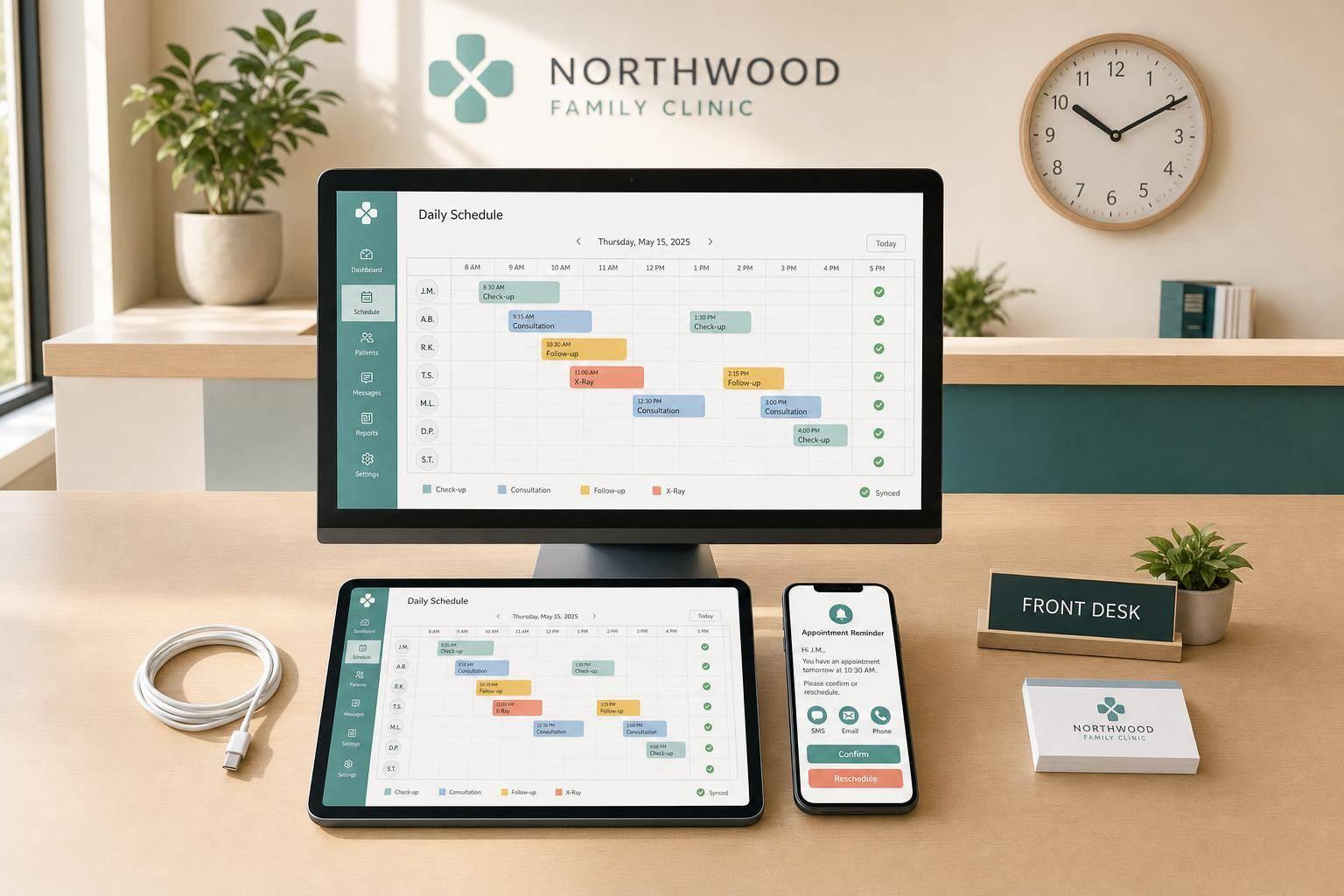
When your scheduling software and messaging tool don’t sync in real time, reminders can go out with the wrong details. A rescheduled visit might still trigger a reminder with the old time.
"A delay of even a few hours can cause problems. Imagine sending a reminder for a visit that was canceled two hours ago. That's a bad patient experience." - Mira Gwehn Revilla
The answer is real-time sync. Systems that use webhooks can catch schedule changes the moment they happen. If that’s not available, a 5-minute polling interval is the next best option. When the schedule changes in one place, the reminder needs to change everywhere too.
Not Testing Reminders Across All Booking Paths
Reminders don’t always act the same way across every booking path. An appointment booked online may trigger one flow, while a front-desk booking, reschedule, or cancellation may trigger another.
Before rollout, run a 30-appointment pilot with a single provider or appointment type. Test each booking path:
- online self-scheduling
- front-desk entry
- a same-day reschedule
- a cancellation
Check that the right message goes out on time and that cancellations stop the reminder sequence. The goal is simple: make sure every change path updates the same live schedule.
How Prospyr Can Help Reduce Reminder Errors
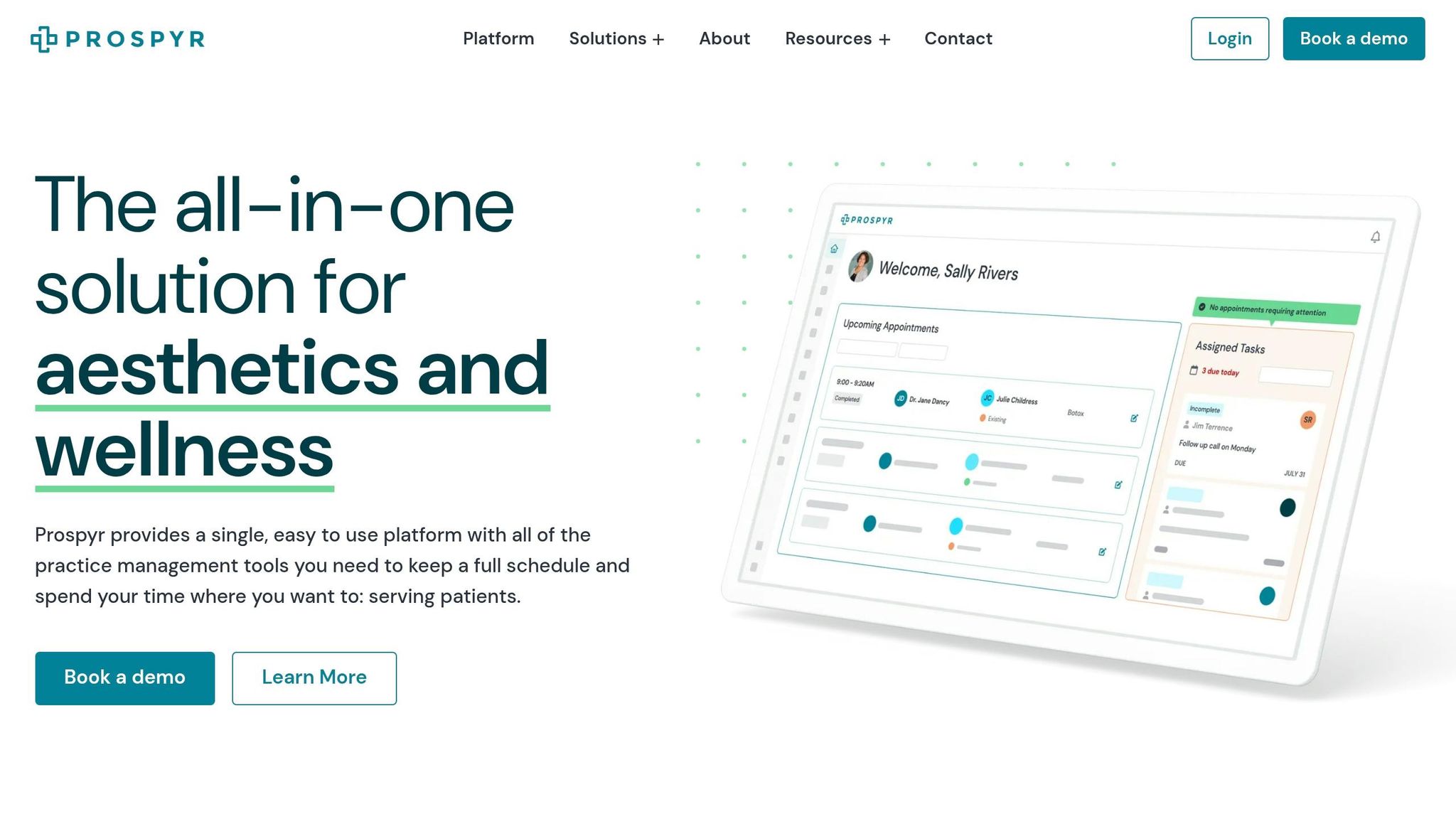
An integrated platform can cut sync gaps by keeping patient data, appointment status, and communication tools in one place.
Prospyr keeps scheduling, CRM/EMR data, and SMS/email reminders in one HIPAA-compliant system, so confirmations, reschedules, and cancellations update on their own. That cuts manual data entry and keeps reminder workflows tied to live appointment data.
Once reminders pull from one live schedule, the next move is to build a standard workflow and track it clearly. With the system lined up, the next step is a repeatable reminder workflow.
How to Fix Your Reminder Process and Track Results

Clinic Appointment Reminder Workflow: 4-Step Cadence to Reduce No-Shows
Once your reminders pull from one live schedule, the next step is simple: set a fixed cadence and track a small set of numbers.
A Standard Reminder Workflow Clinics Can Follow
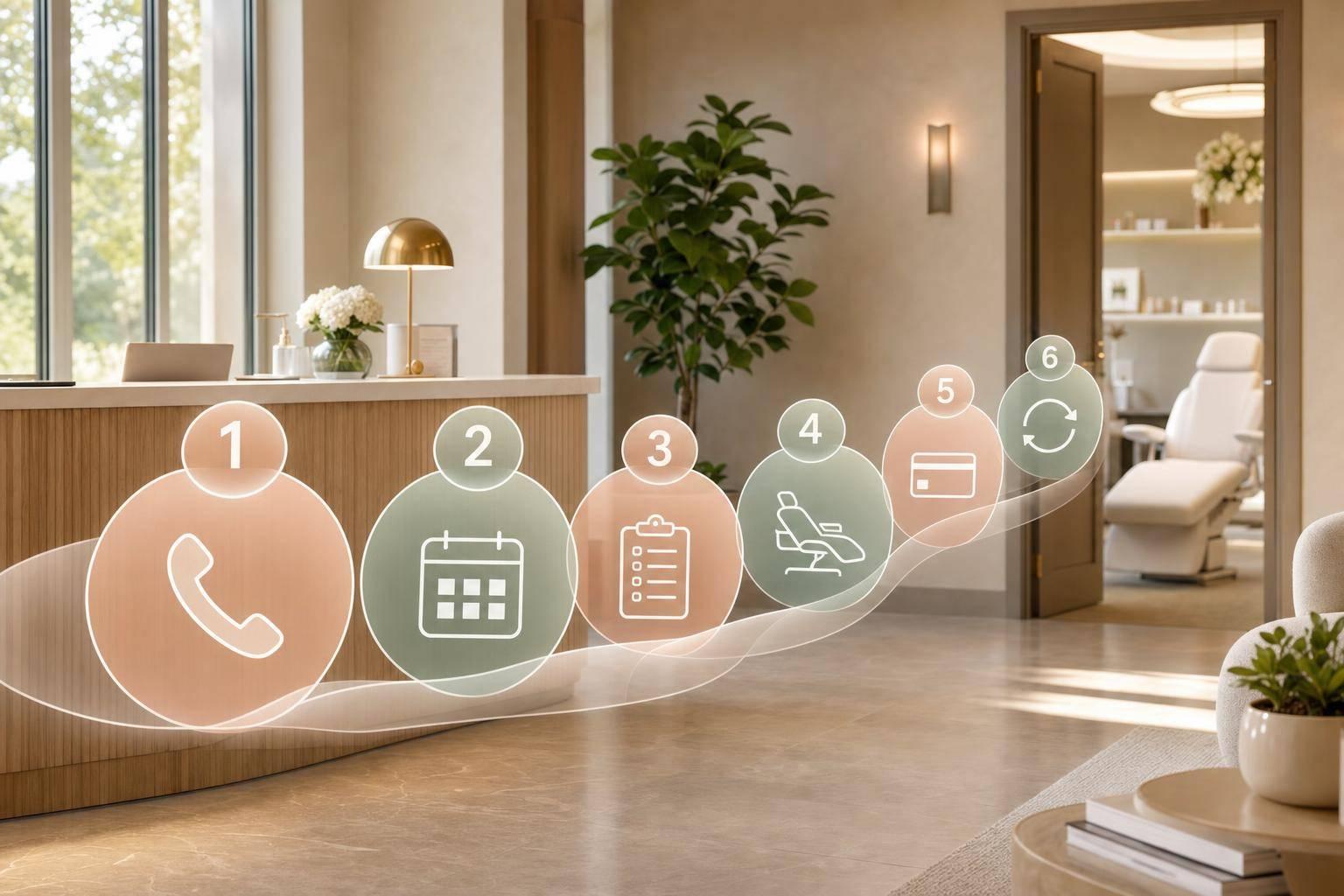
A reminder process doesn't need a lot of moving parts. It needs consistency. A solid setup is a 4-touchpoint sequence tied to your live schedule:
- Booking confirmation (immediate): Send the date, time, provider, location, and any treatment-specific prep instructions.
- 72-hour reminder: Use this touchpoint to catch cancellations early.
- 24-hour reminder: Send a 24-hour reminder with a confirm/reschedule option.
- Day-of alert (2–4 hours before): Send a short "see you soon" message with parking instructions.
One thing matters a lot here: keep the confirm/reschedule action the same in every message. That way, patients don't have to relearn the process each time.
When someone replies, the response should update the calendar automatically and start a rescheduling flow. But automation can't do everything. You'll still want a staff member watching for exceptions, like replies that don't match standard keywords or messages that include specific medical questions. Automation handles volume; staff handle exceptions.
And yes, this only works if the schedule updates in real time. If the calendar is off, the reminders will be off too.
Metrics That Show Whether Your Reminders Are Working
Once the workflow is live, review these numbers every month.
| Metric | Target Benchmark |
|---|---|
| No-show rate | Below 7% |
| 72-hour confirmation rate | Above 50% |
| Delivery rate | 100% |
| Reschedule vs. cancellation ratio | Higher reschedule ratio is better |
| Channel open rate | SMS above 90%; email around 21–24% |
These numbers tell you where the process is breaking.
If delivery rate drops, you likely have a data quality problem. Maybe phone numbers are wrong. Maybe email addresses are outdated. If your 72-hour confirmation rate falls below 50%, the problem is usually the channel or the timing, not the wording of the message itself.
A monthly review helps you spot weak templates and days with higher no-show patterns before they turn into a bigger drain on the schedule.
Conclusion: Smarter Reminder Workflows, Stronger Schedules
At an average of $200 per no-show, a clinic running 480 appointments a month with a 12% no-show rate is losing about $11,520 per month. That's not just bad luck. It's a process problem.
Clean contact data, proper consent records, segmented timing, clear calls to action, HIPAA-compliant channels, and real-time sync all matter. When one piece fails, money slips through the cracks. The right workflow helps close that gap.
FAQs
Why are my reminders still not reducing no-shows?
Your reminder strategy may be leaving out details that shape how patients respond. A lot of teams run into the same problems: using the same message for everyone, sending reminders too late for patients to reschedule, or relying on just one channel that’s easy to miss.
It also helps to offer two-way communication so patients can confirm or reschedule right away. Outdated contact information can hurt results too. The same goes for not having a staff member handle scheduling exceptions, which can wear down performance over time.
What reminder schedule works best for most clinics?
There’s no single schedule that works for every clinic. The best setup depends on the appointment type and what patients need.
For many clinics, a solid reminder flow looks like this: an immediate booking confirmation, a main reminder 48 to 72 hours before the visit, and a last reminder 24 hours before. Some clinics also send one more notice 2 hours before the appointment.
How can I make reminders HIPAA-compliant?
Follow the minimum necessary standard. Include only the patient’s first name, appointment date, time, location, and provider name. Do not include diagnoses, procedure details, or medications.
Any third-party vendor must sign a BAA. Also get and document written patient consent, include clear opt-out instructions for digital messages, and use secure, encrypted platforms with audit logs and access controls.